CGWEB NETWORKSSITE INFRASTRUCTURESend Site Brief
Home / Deployment Scenarios
Use the site as the starting point

Different Locations, Different Equipment Boundaries

The same product family can serve very different sites. Use these planning scenarios to define the enclosure, optical and power interfaces before asking for a configuration.

Deployment planning

Four Practical Site Briefs

These are equipment planning contexts, not completed project claims. Confirm local conditions and applicable requirements with the project designer and installation team.

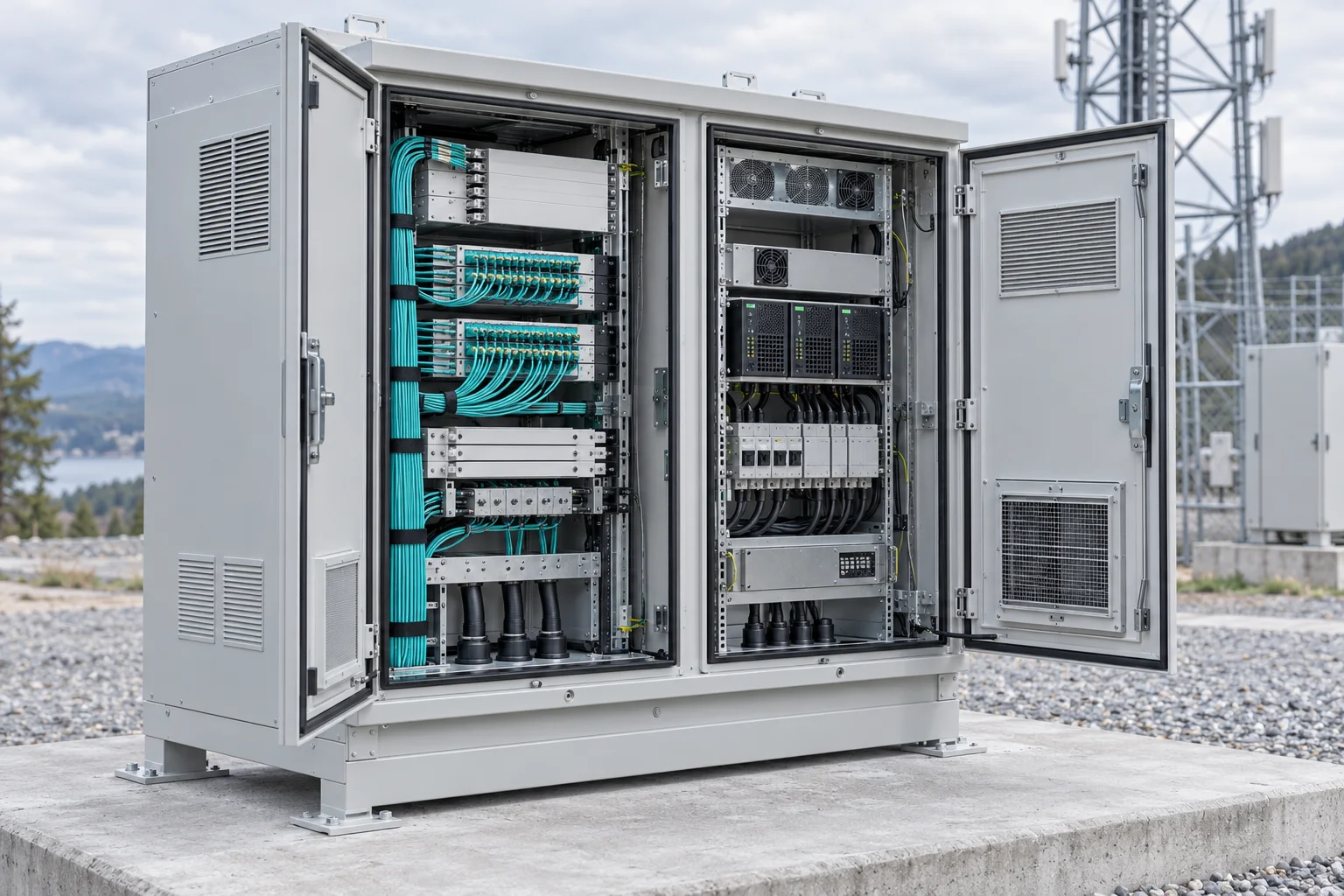
Communications equipment enclosure at an outdoor radio site

Radio & Base Station Sites

The site equipment arrangement sets the enclosure and power interfaces. Establish equipment access, incoming services and environmental exposure before fixing a cabinet specification.

  • Rack layout and equipment heat information.
  • Fibre termination and cable entry positions.
  • Power input, protection and monitoring requirements.
Prepare this deployment brief →
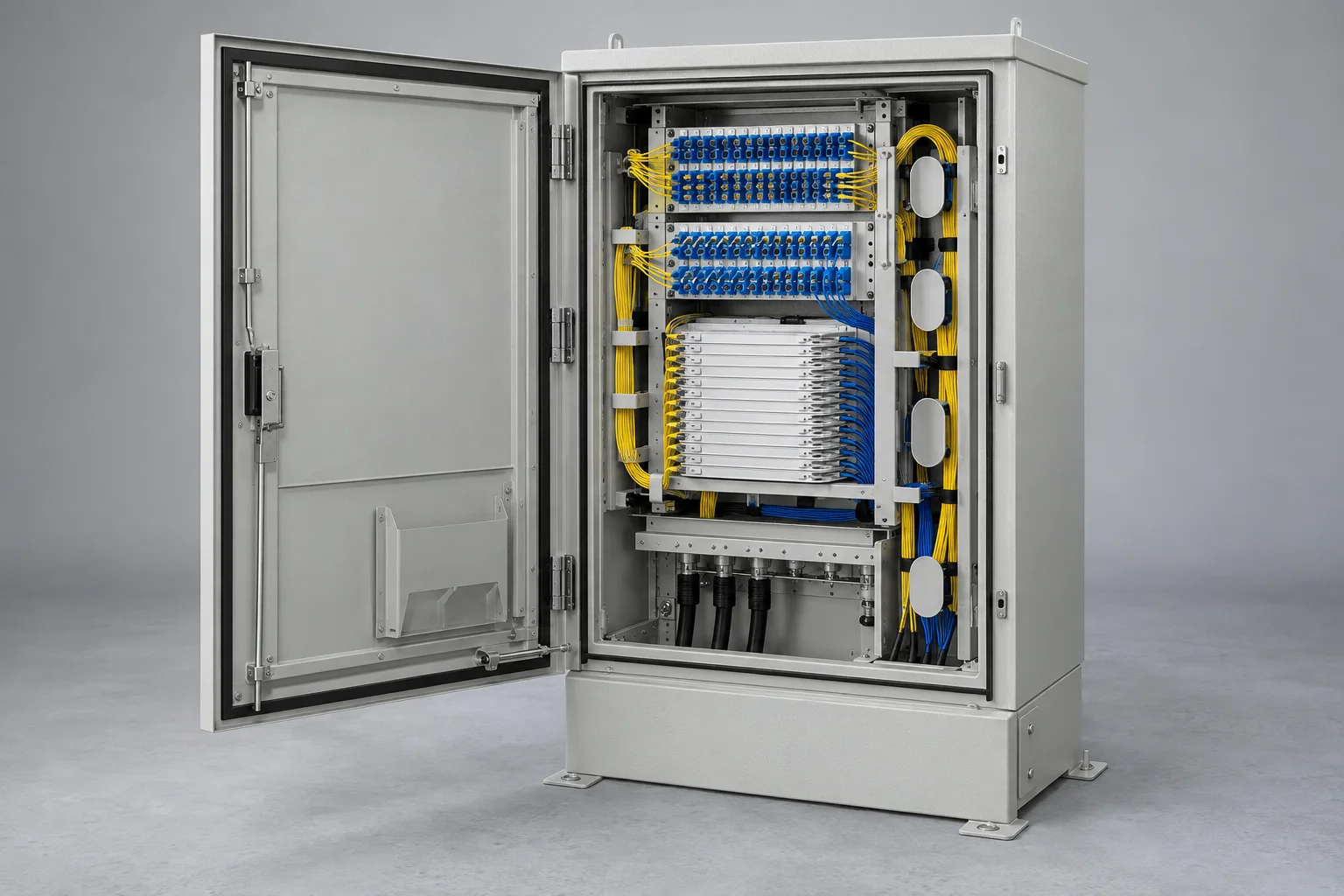
Fibre cross connect cabinet serving an access network

Access Network Distribution Nodes

A feeder-to-distribution node needs more than sufficient port count. Cable entries, splice organisation, splitter location and re-entry access all shape the configuration.

  • Feeder and distribution cable schedule.
  • Splice, adapter and splitter allocation.
  • Mounting method, security and maintenance space.
Prepare this deployment brief →
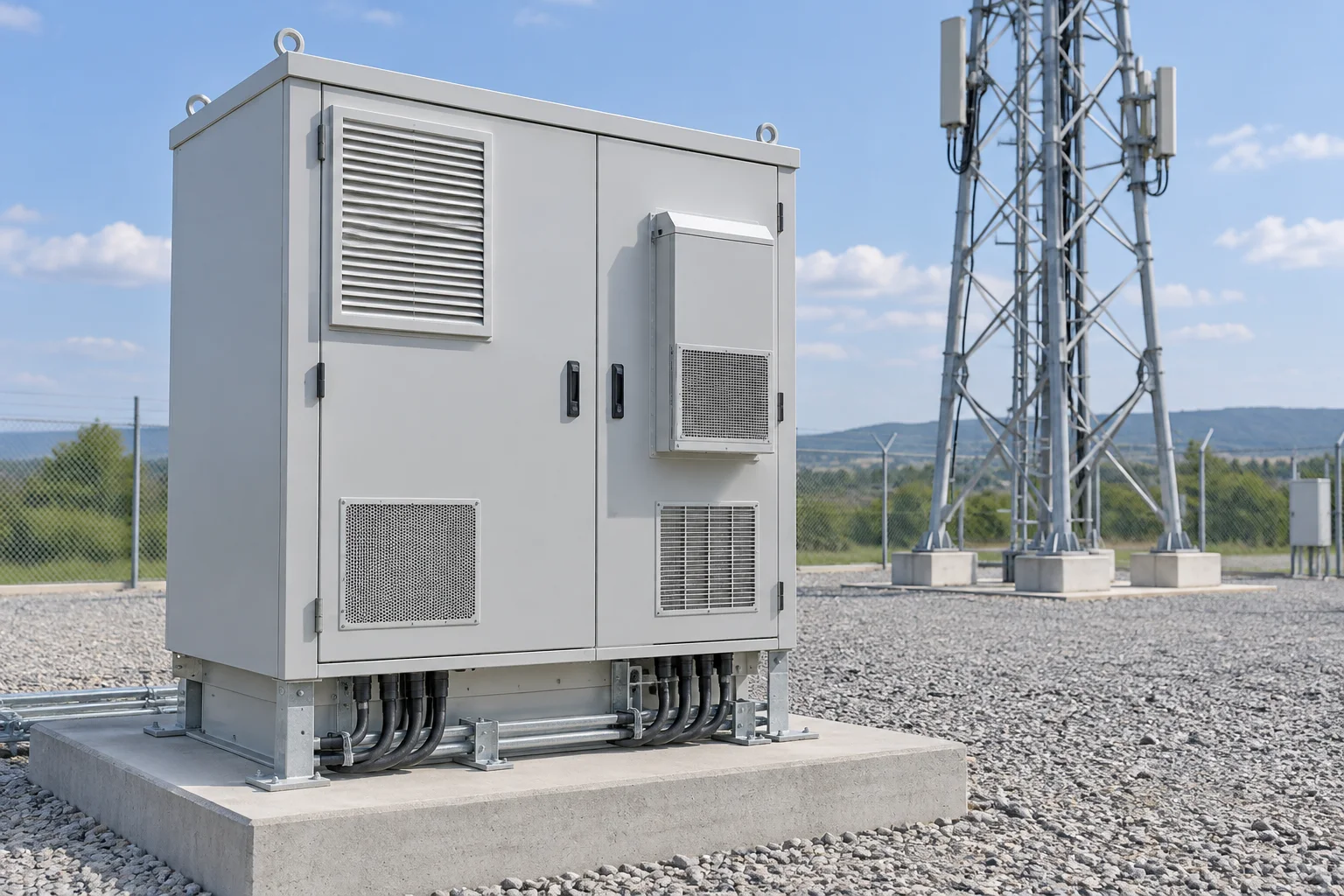
Outdoor cabinet for a roadside communications connection

Existing Telecom Site Expansion

Add capacity around the infrastructure that is already installed. Record which services must remain live, where new equipment can fit and how existing fibre and power interfaces constrain the expansion.

  • Existing cabinet layout, fibre allocation and test records.
  • New equipment space, heat, power and optical interfaces.
  • Cutover access, outage limits and installation responsibilities.
Prepare this deployment brief →
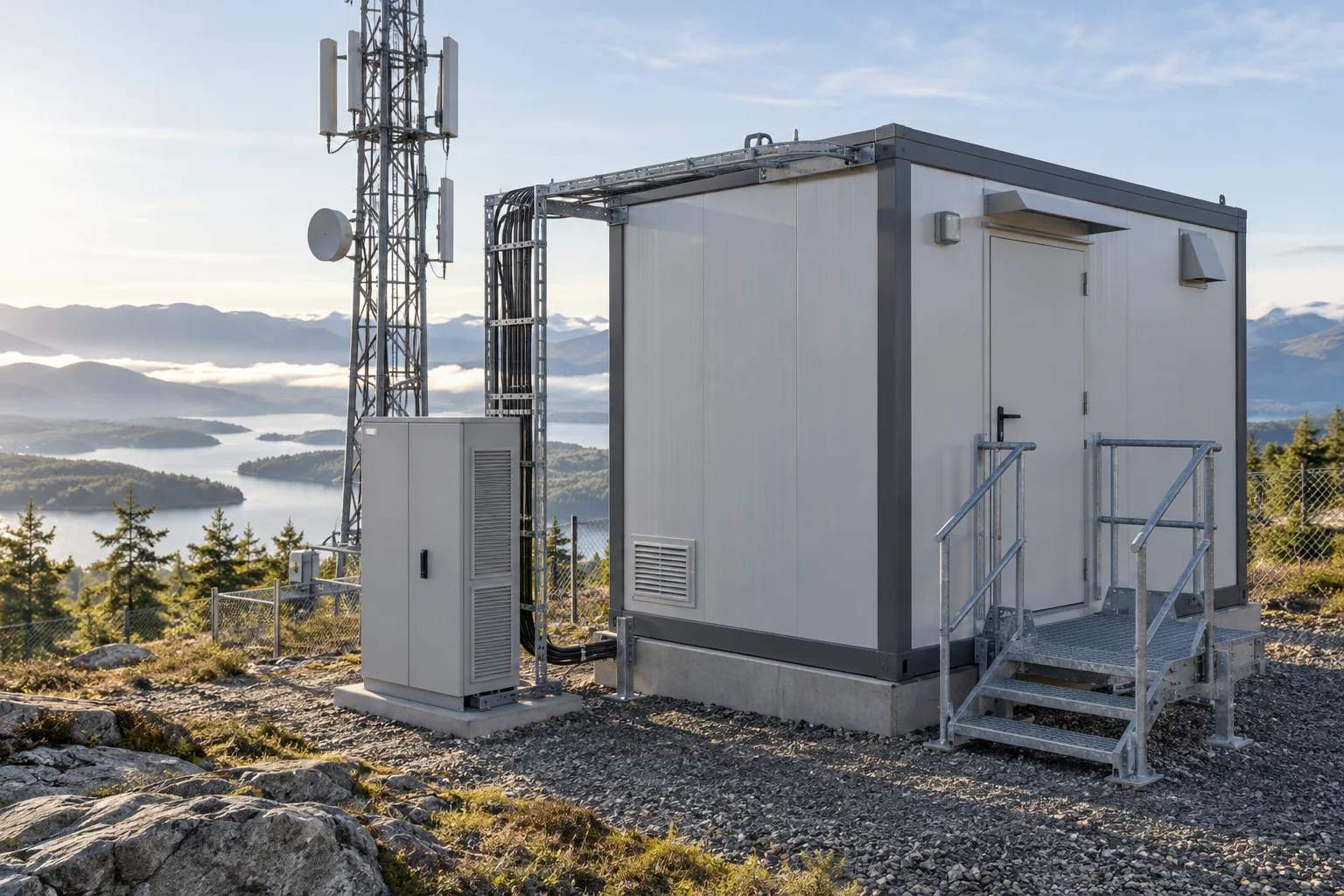
Communications shelter for an equipment deployment

Shelter-Based Equipment Deployments

A larger equipment space brings civil, power, cooling and communications interfaces together. Define the installation boundary and responsibilities before reviewing shelter options.

  • Equipment plan and service clearances.
  • Site preparation and delivery constraints.
  • Incoming power, fibre and thermal design inputs.
Prepare this deployment brief →
The installation boundary

Agree What Is Supplied and What Is Prepared on Site

Clarify interfaces early so that product cost is not confused with the complete installed project cost.

Site & Mounting

Record the location, available footprint, foundation or mounting method, access route and responsibilities for civil preparation.

Equipment & Services

List the installed loads, fibre interfaces, incoming power, distribution circuits and any specified cooling or monitoring provisions.

Commissioning & Records

Agree inspection, labelling, optical and electrical test scope, open-item resolution and the handover documents required.

Link the equipment to the location

Start with a Site Photo, Sketch and Equipment List

A short, accurate scope is more useful than an unverified product model or a generic cabinet size.

Prepare a Site Enquiry