
Mechanical Scope
List the enclosure, rack fittings, plinth, brackets, cable glands and any specified environmental provisions.
A telecom cabinet, an optical distribution point and a power system meet at the same site. Start with their interfaces so that a product quote covers the installation you actually need.
Filter by the part of the deployment you are preparing. These are product families, not confirmed stock or fixed configurations; request current drawings and data for the selected option.
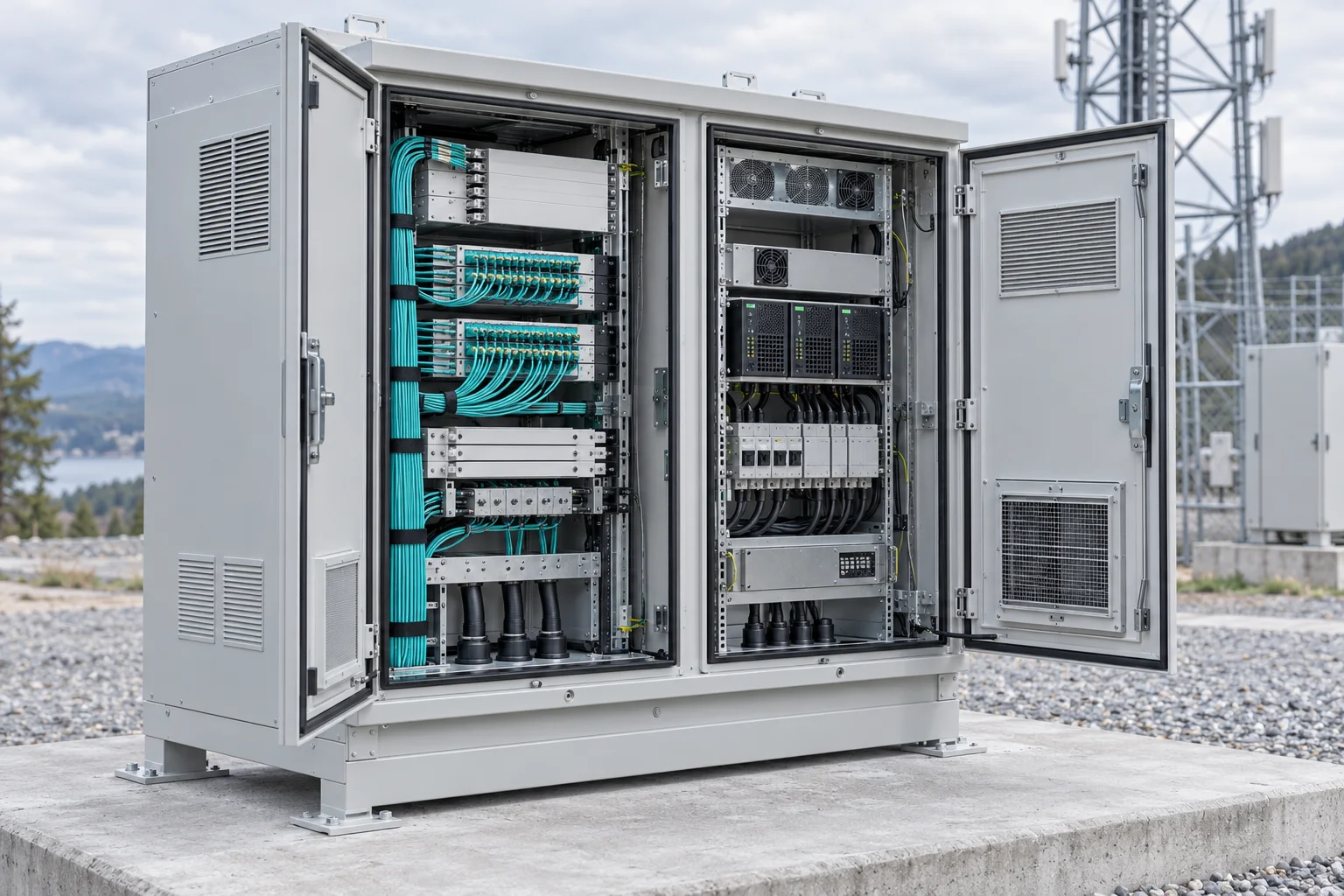
Define the usable equipment space, cable entries, mounting and thermal requirements for an exposed communications site.
Quote inputs: Exposure, rack layout, access and protection requirements.
Discuss configuration →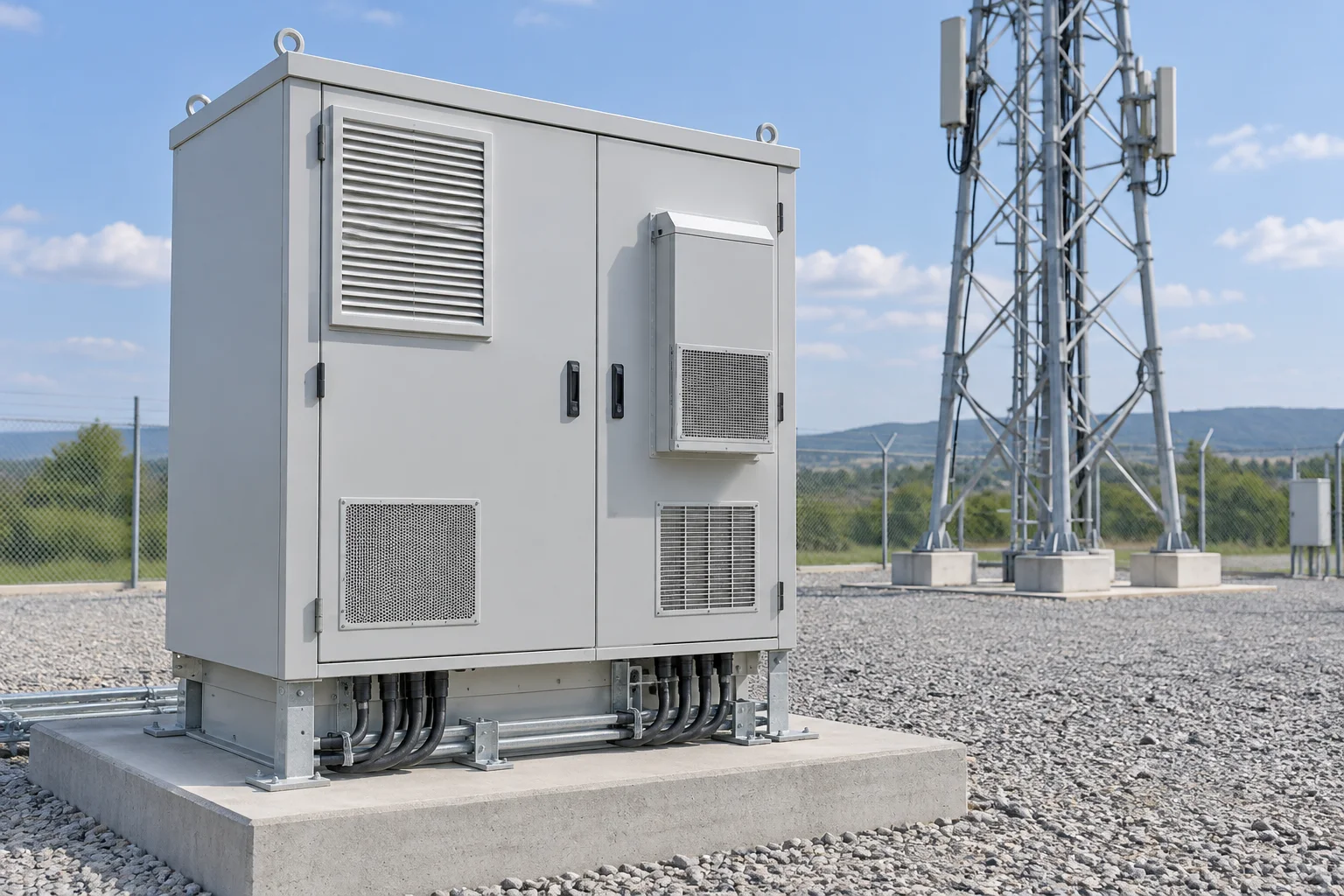
Bring the radio-site equipment arrangement and enclosure interfaces into a single configuration enquiry.
Quote inputs: Equipment dimensions, cable routes and site constraints.
Discuss configuration →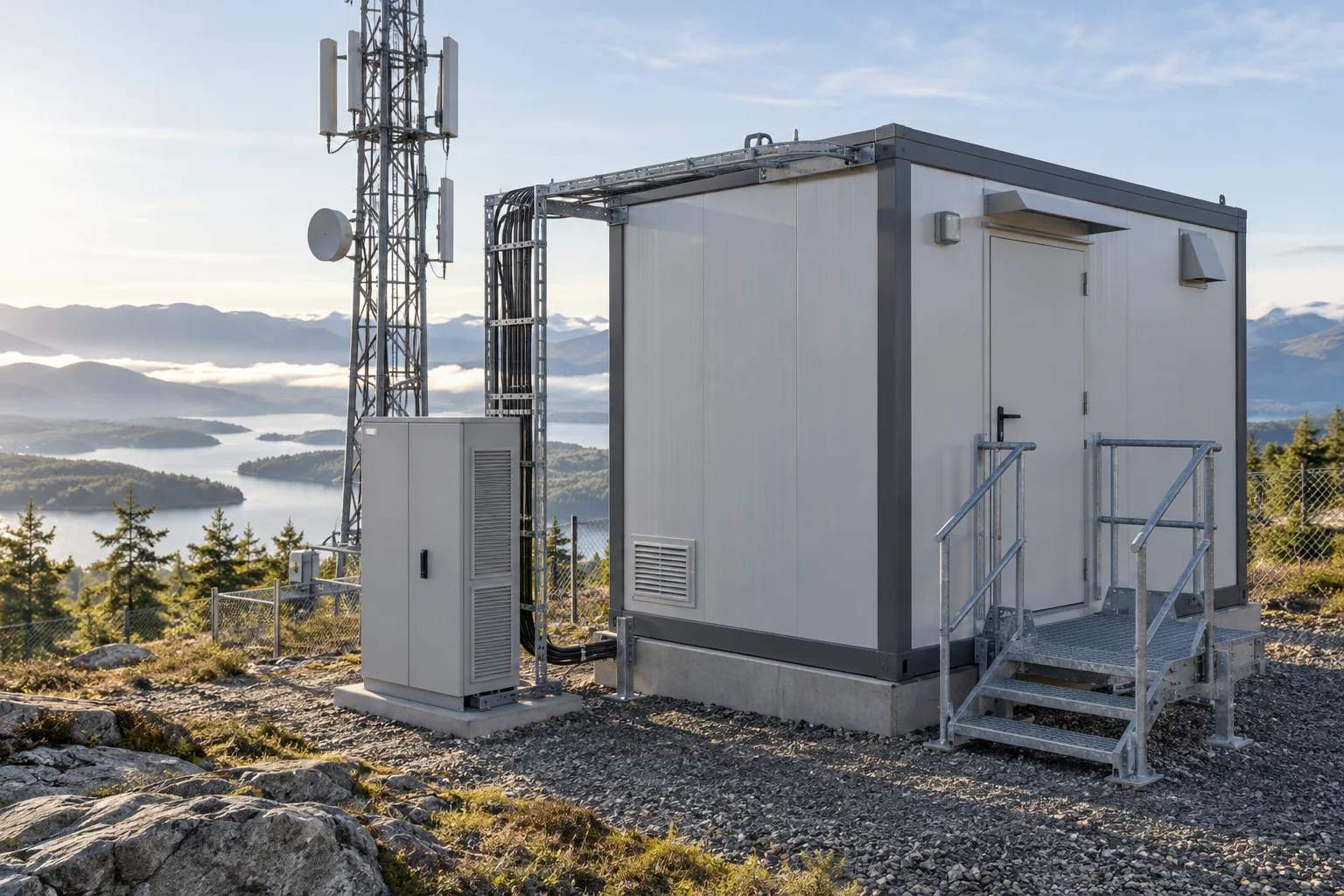
Compare shelter layouts for equipment that needs accessible interior space and coordinated power and cooling interfaces.
Quote inputs: Access, equipment plan, services and installation method.
Discuss configuration →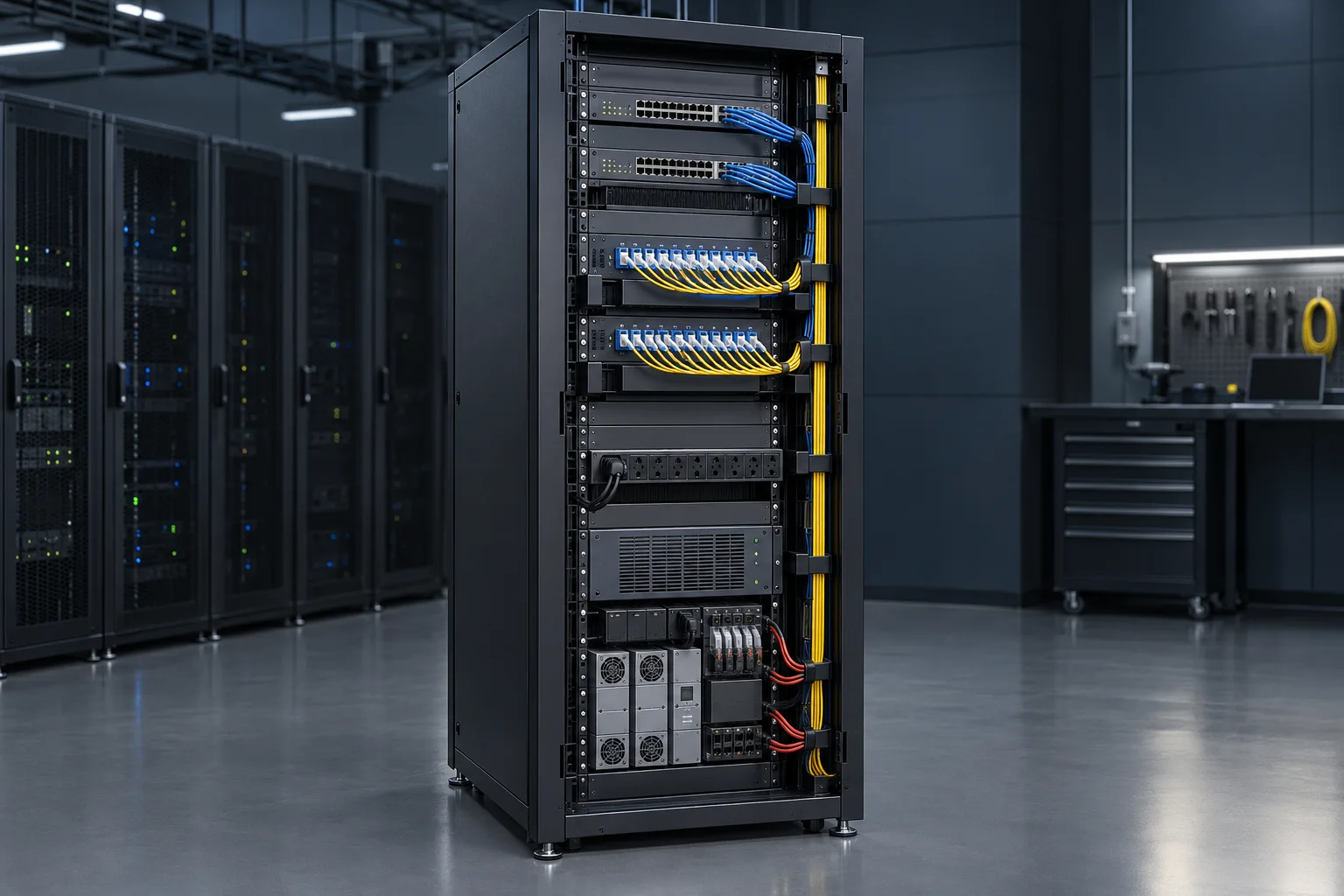
Organise communication, distribution and power equipment around service clearance and a documented rack schedule.
Quote inputs: Rack units, equipment depth, cable zones and loading.
Discuss configuration →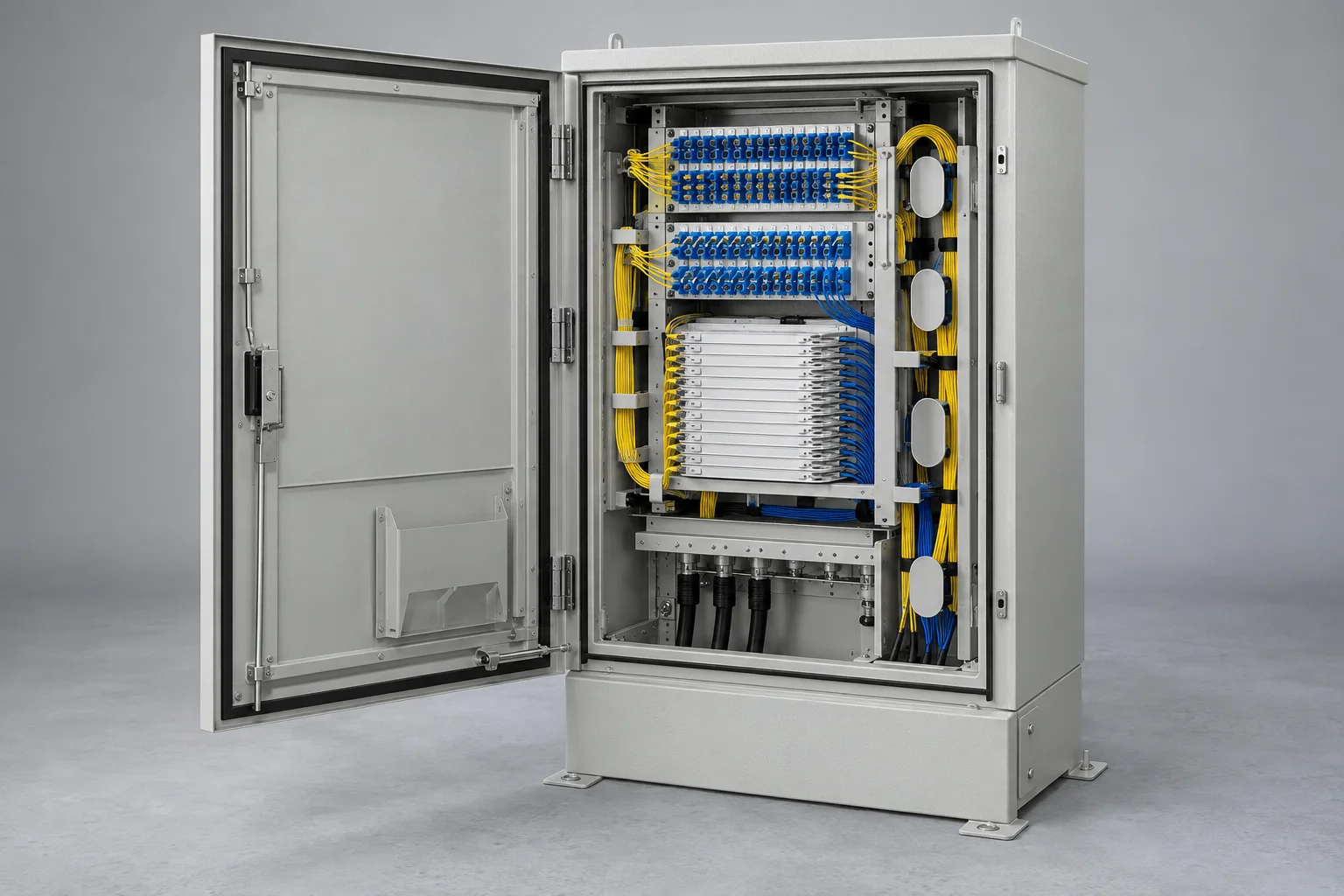
Bring feeder termination, distribution and re-entry requirements together at a serviceable access-network node.
Quote inputs: Feeder cables, outgoing fibres, adapters and splice storage.
Discuss configuration →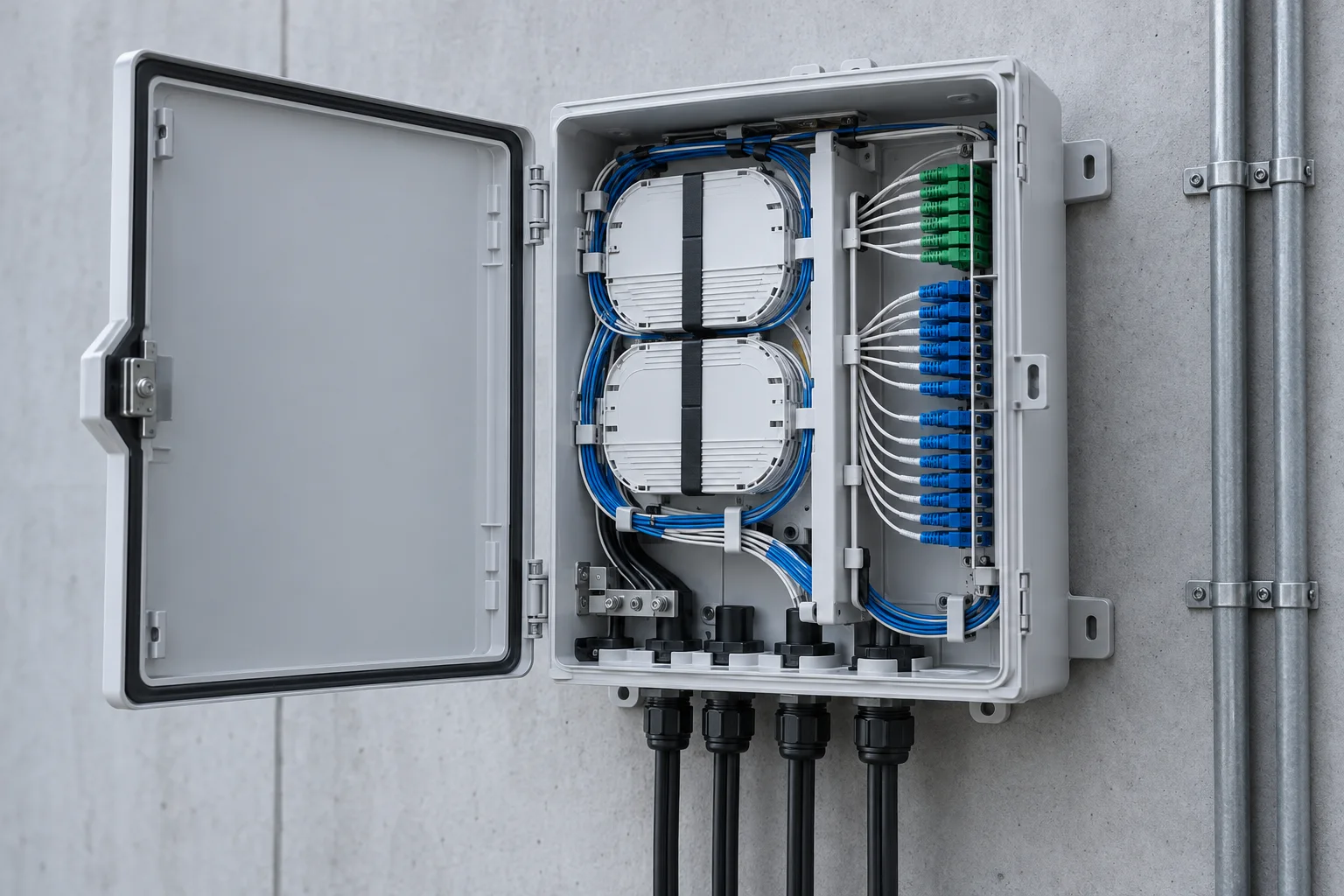
Select a termination point around incoming cables, subscriber connections and available installation space.
Quote inputs: Core count, entry sizes, mounting and access control.
Discuss configuration →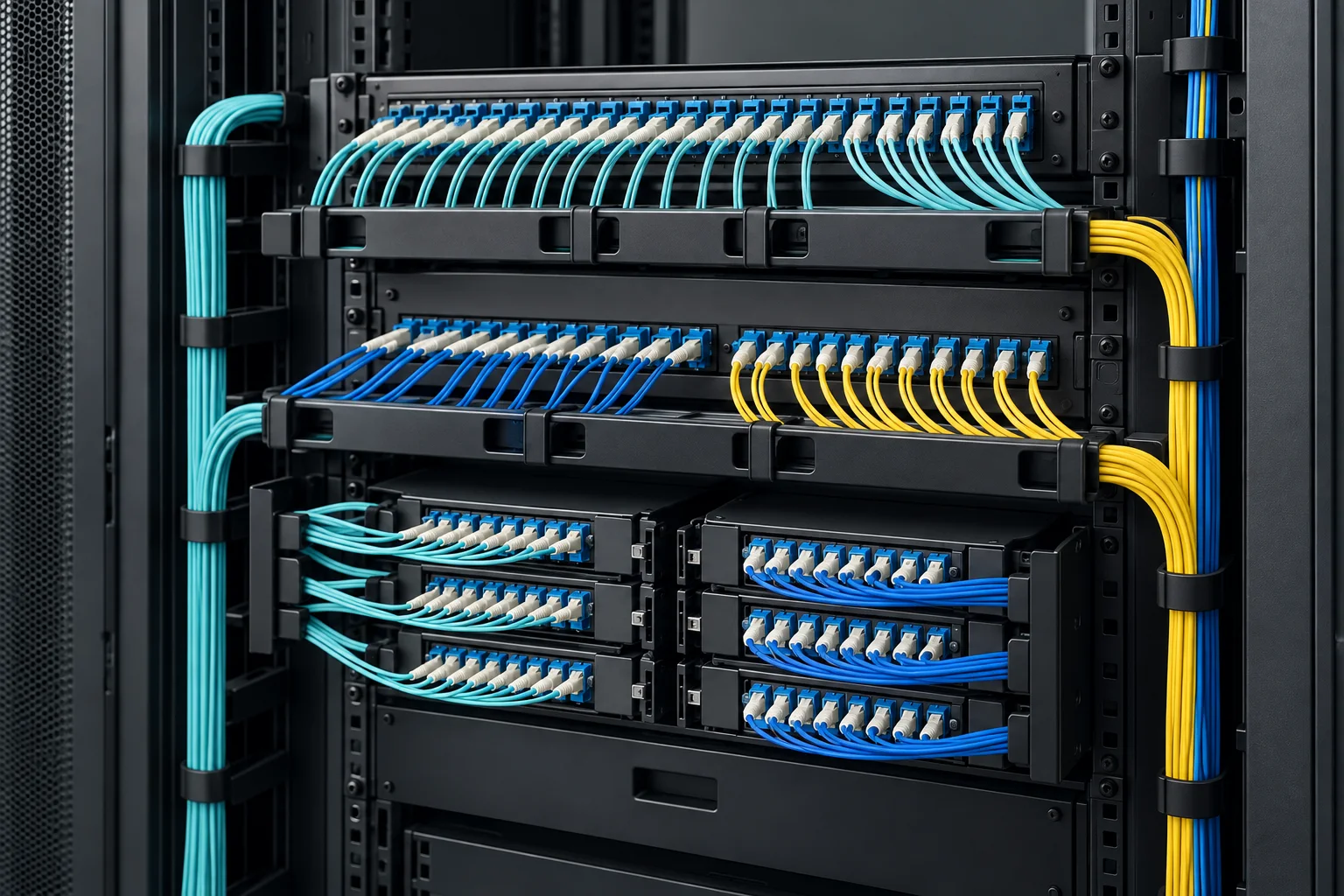
Make the supplied panel scope explicit, including adapters, pigtails, trays and front-to-rear cable management.
Quote inputs: Rack format, port count, connector polish and accessories.
Discuss configuration →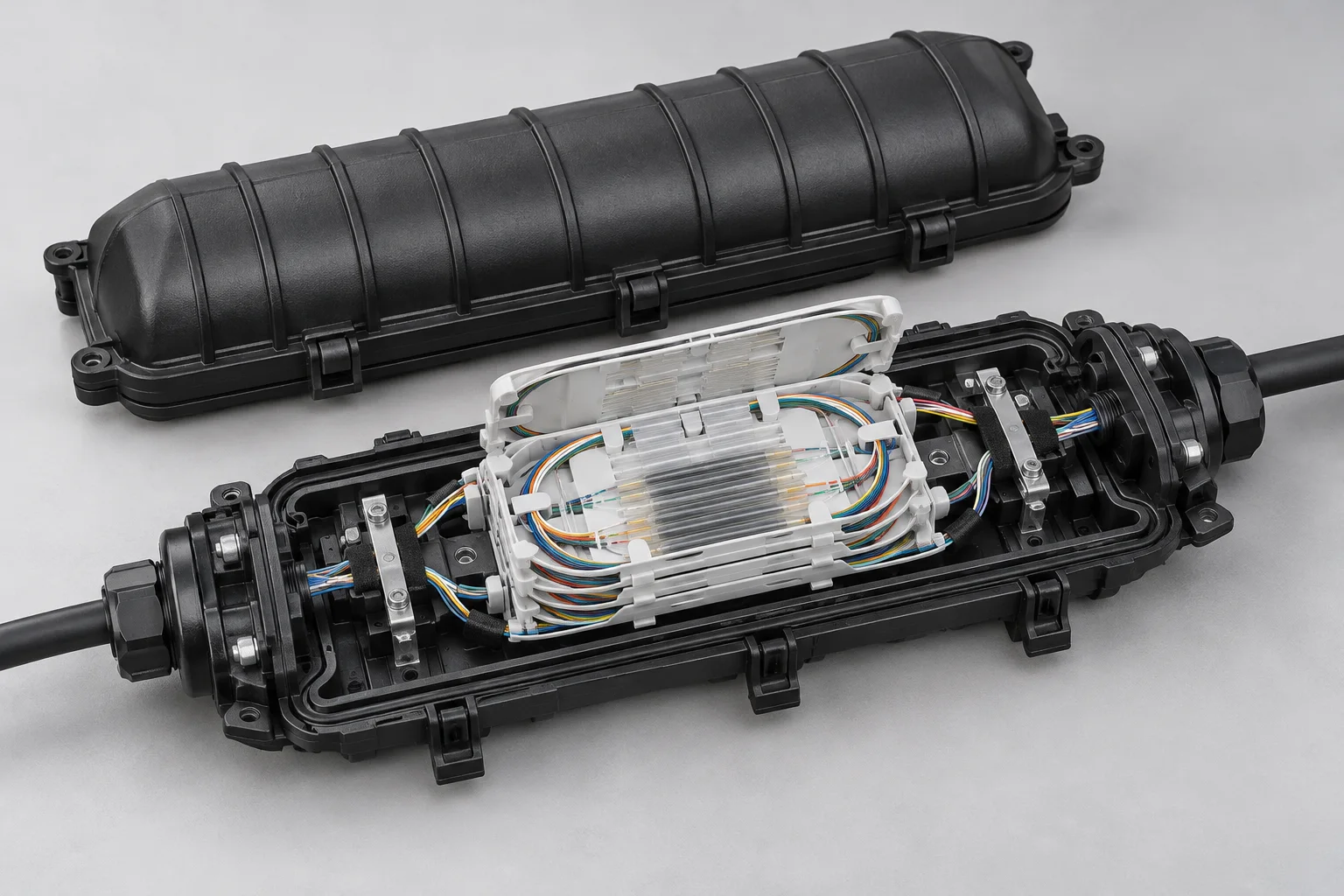
Protect joints and branches with a closure selected for the cable configuration and the actual route environment.
Quote inputs: Cable diameters, splice count, sealing and re-entry.
Discuss configuration →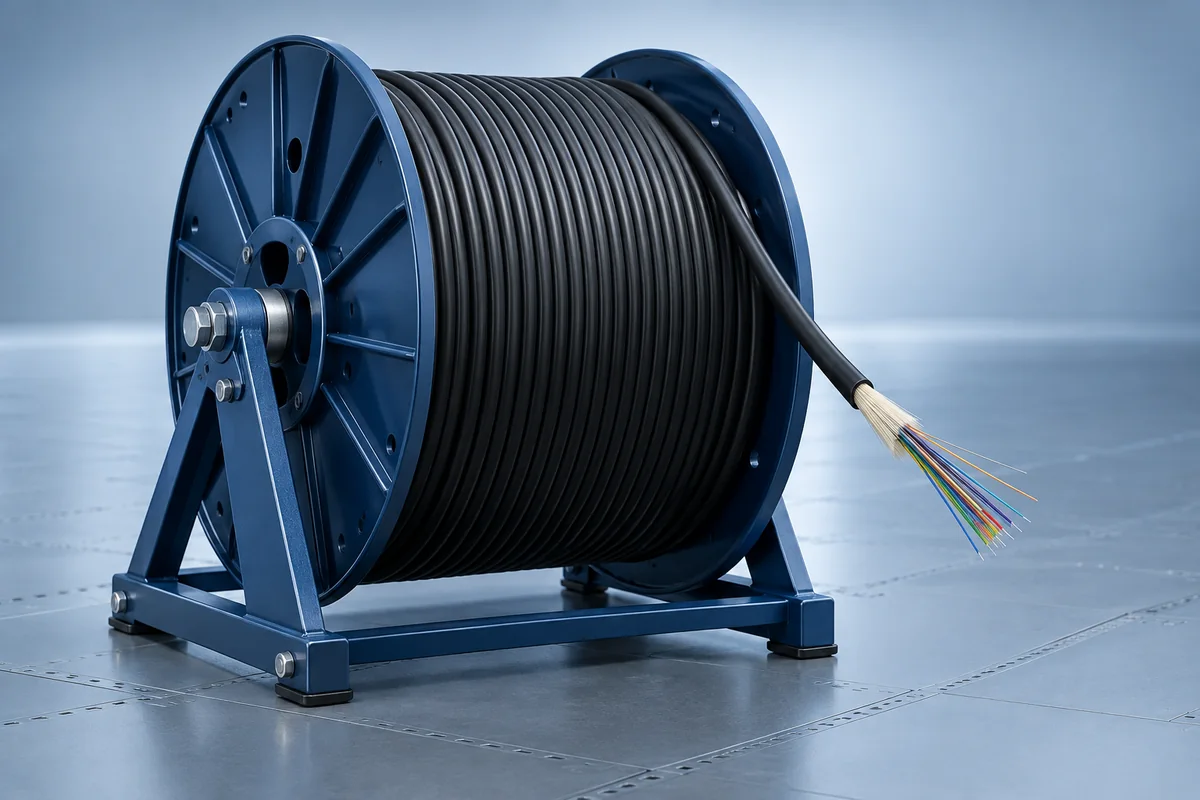
Specify construction for the surveyed duct, aerial or other route rather than choosing by fibre count alone.
Quote inputs: Route, fibre category, construction, length and pulling limits.
Discuss configuration →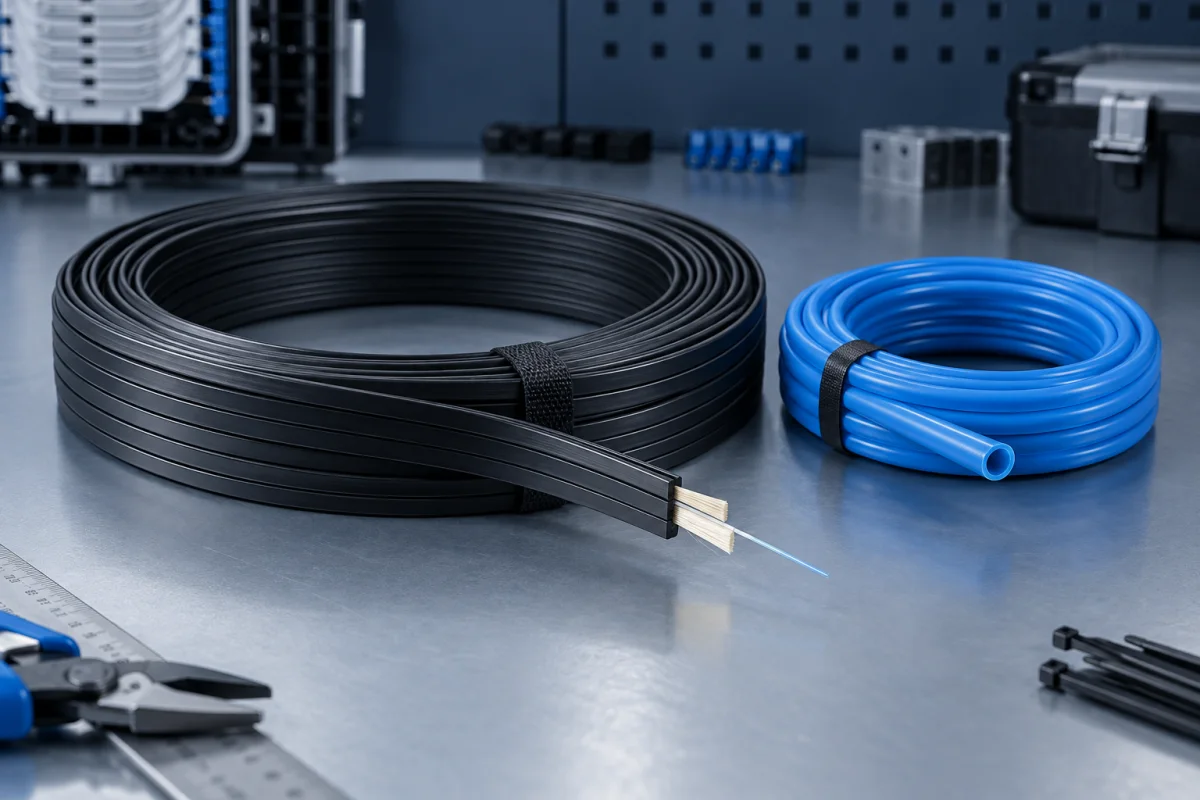
Coordinate the final access connection with the pathway, termination method and building entry conditions.
Quote inputs: Drop length, bend control, entry method and fibre count.
Discuss configuration →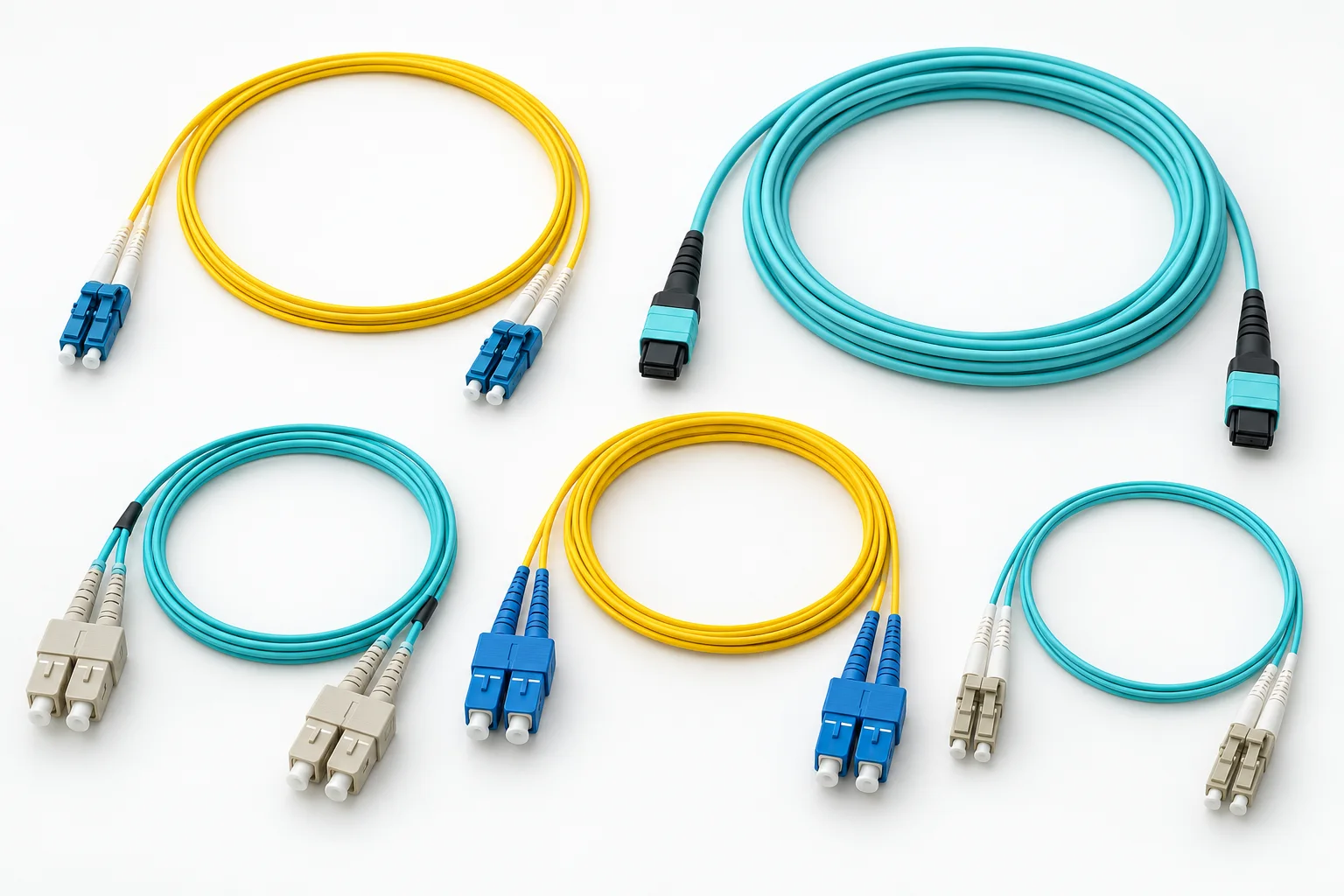
Complete the connection between distribution hardware and equipment with clearly identified optical interfaces.
Quote inputs: Length, connector pair, polish, fibre type and jacket.
Discuss configuration →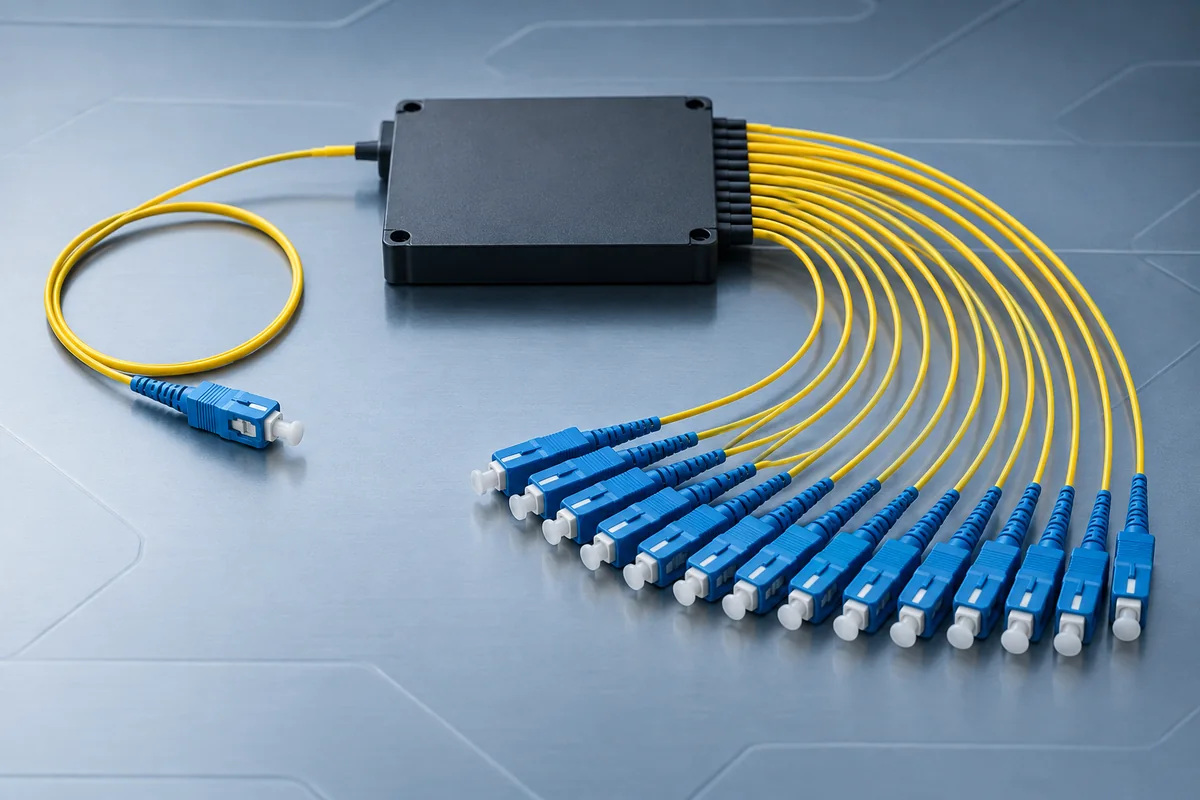
Match the split ratio and package to the access-network design and its complete optical loss budget.
Quote inputs: Split ratio, connectors, mounting and insertion loss data.
Discuss configuration →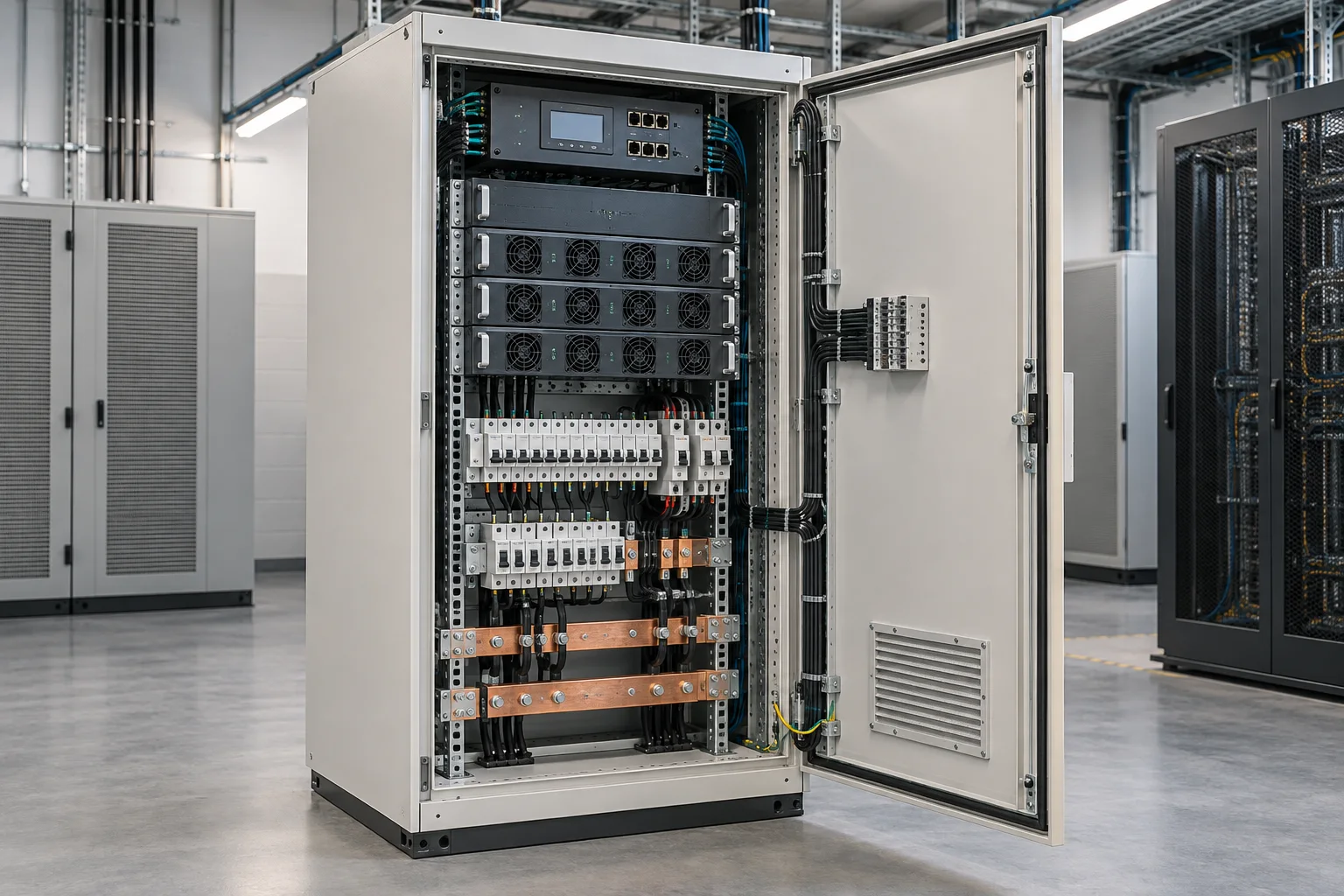
Prepare the input, output and load schedule before comparing power configurations for communications equipment.
Quote inputs: Supply conditions, load profile, outputs and monitoring.
Discuss configuration →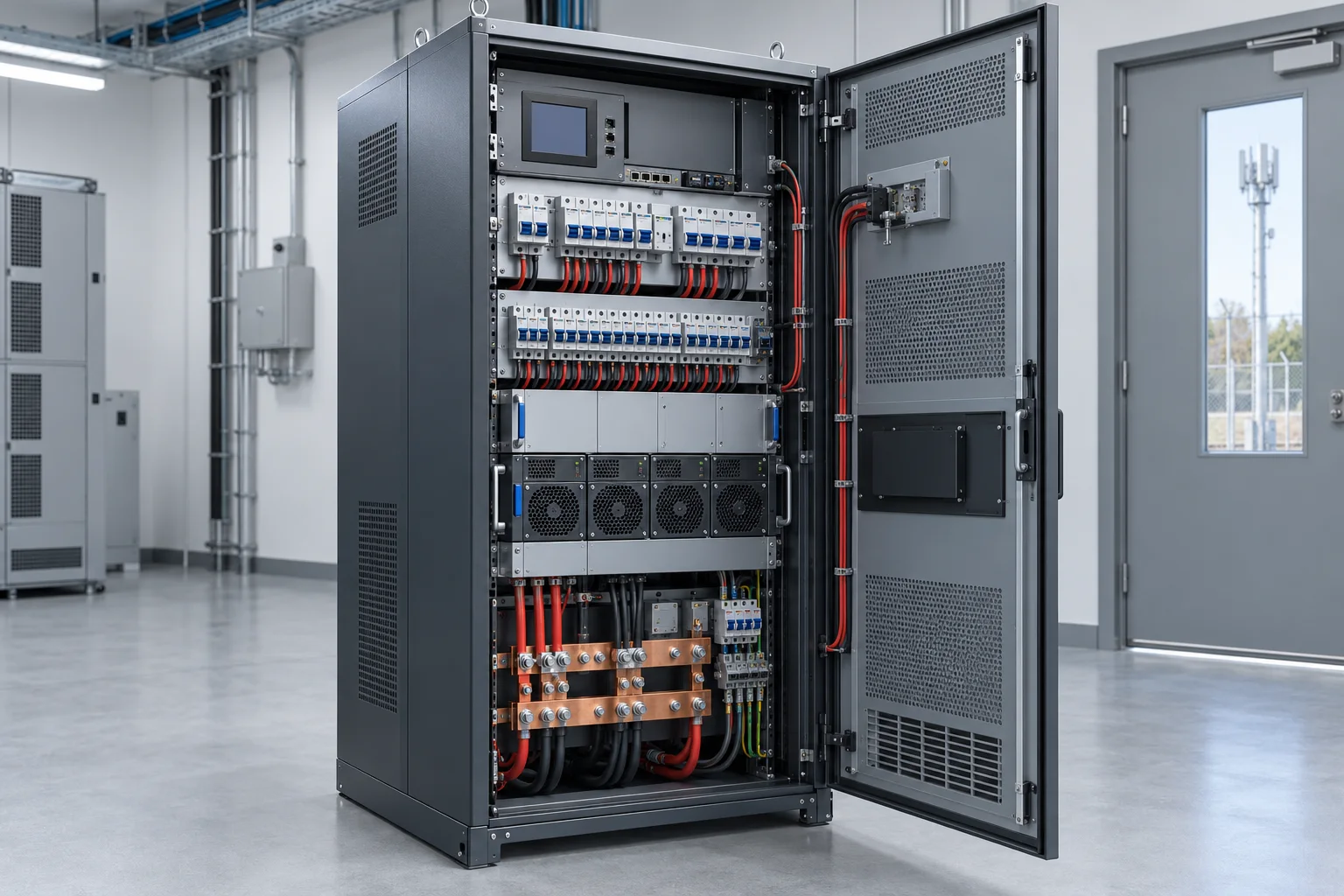
Identify the circuit schedule, protection arrangement and cabinet interfaces needed at the telecom site.
Quote inputs: Circuit quantities, ratings, protection and cable entries.
Discuss configuration →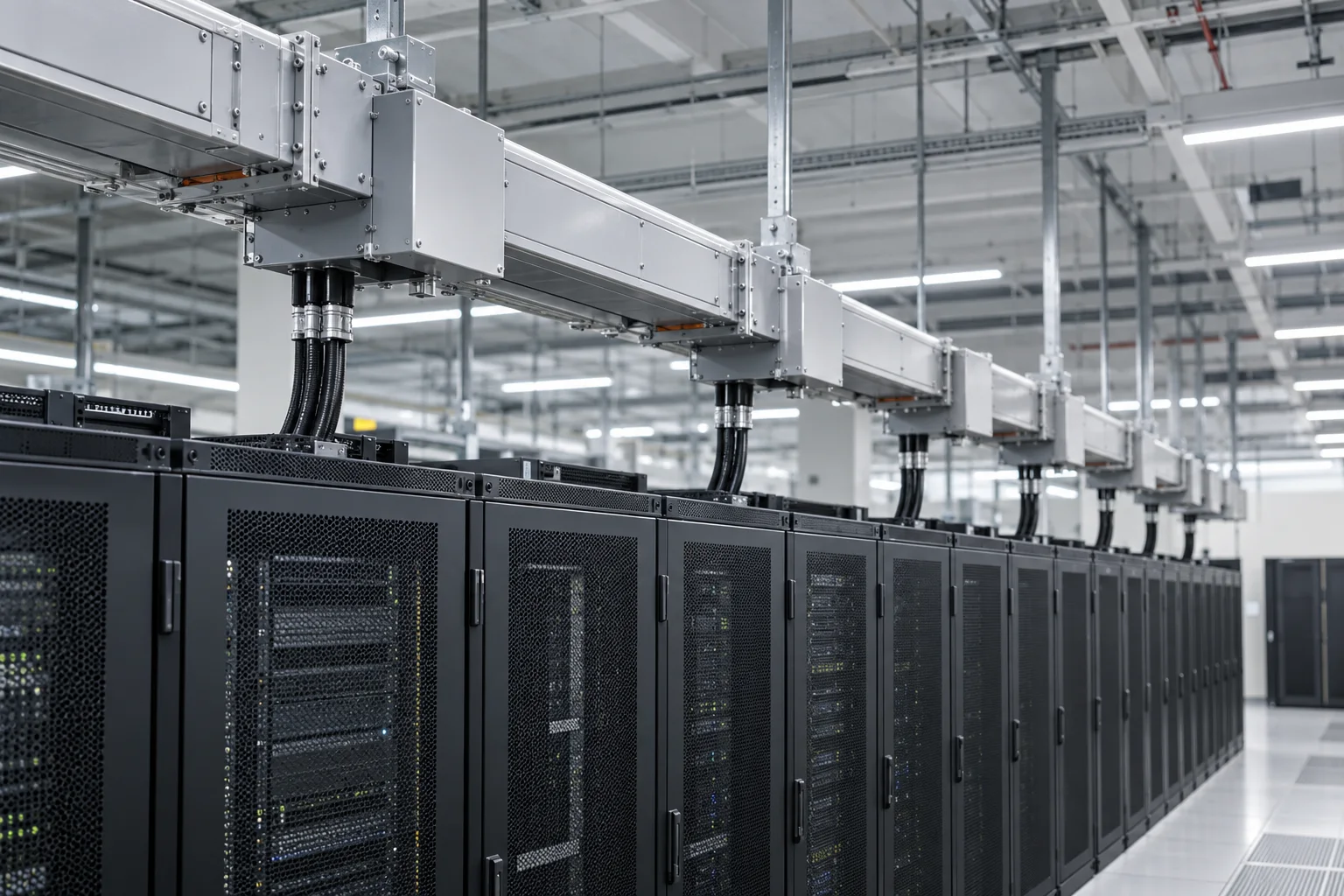
Coordinate distribution routes and connection points with the equipment plan and project electrical design.
Quote inputs: Electrical design, mounting, outlets and monitoring scope.
Discuss configuration →A price comparison is useful only when quantities, accessories, configuration and responsibilities are aligned.
List the enclosure, rack fittings, plinth, brackets, cable glands and any specified environmental provisions.
Record adapters, pigtails, patch cords, splitters, splice trays and the required connector and polish.
Identify inputs, outputs, protection, monitoring and electrical interfaces for project-specific review.
Include known requirements and mark unverified assumptions before comparing equipment configurations.